Start from text or an image
Use a written idea, a visual reference, or both to establish the first shot.
 Mosaify
Start creating
Mosaify
Start creating
Generate video with leading AI models, organize the results, and develop selected clips into scenes without separating creation from the project around it.
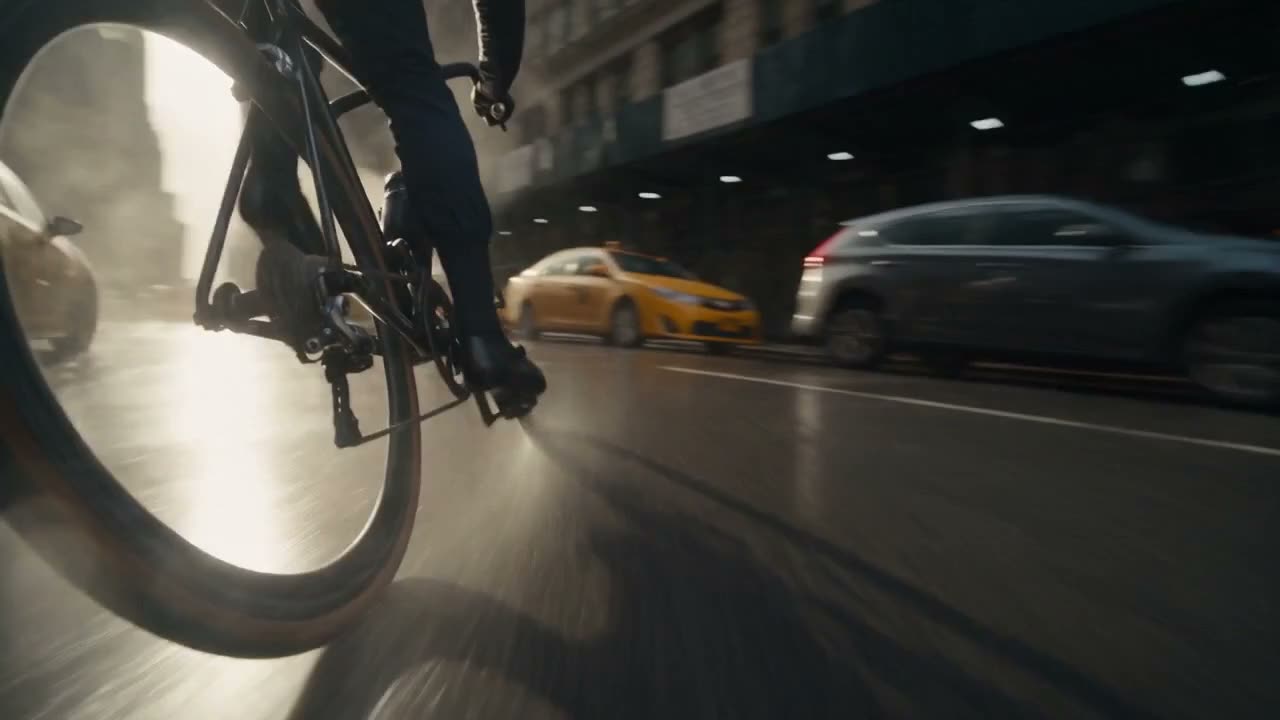
Use a written idea, a visual reference, or both to establish the first shot.
Keep generations, revisions, references, and selected outputs attached to the project.
Move beyond a single clip by developing a clear scene sequence inside Studio.
A generator can produce a compelling shot, but a finished video often needs structure. You may need an establishing image, a primary action, a close detail, and an ending. Those shots also need a shared visual language so the sequence feels intentional.
Mosaify keeps individual generations inside a project and provides a path into scene-level work. The first output remains useful as a reference, source clip, or decision point rather than becoming an isolated file.
Write the purpose of each scene in one sentence. Decide what changes from the previous shot and what must remain consistent. This reduces random variation and makes it easier to choose the right model and reference for each part.
Generate a representative shot early. It can establish the palette, lens language, environment, and motion style for the rest of the piece. Save the prompt and source image so later scenes can reuse the same visual decisions.
One model may be strongest for a particular camera move while another handles a reference image or dialogue more effectively. Mosaify lets model choice happen inside a shared project, so using the best tool for each shot does not require abandoning the surrounding context.
No. You can generate individual clips and use Studio to organize and direct them as scenes in a larger sequence.
You can begin with prompts and references, but an understanding of shots, pacing, and continuity will still improve the result.
Yes. Mosaify is designed to keep work connected while you choose supported models for different shots.
They stay associated with the project so you can revisit the source material and selected directions as the video develops.