Multi-model by design
Use the model that fits the shot instead of committing the entire project to one model family.
 Mosaify
Start creating
Mosaify
Start creating
Mosaify brings image and video generation into one workspace, with model choice, persistent references, and a clear path from an initial result to a sequence you can direct.
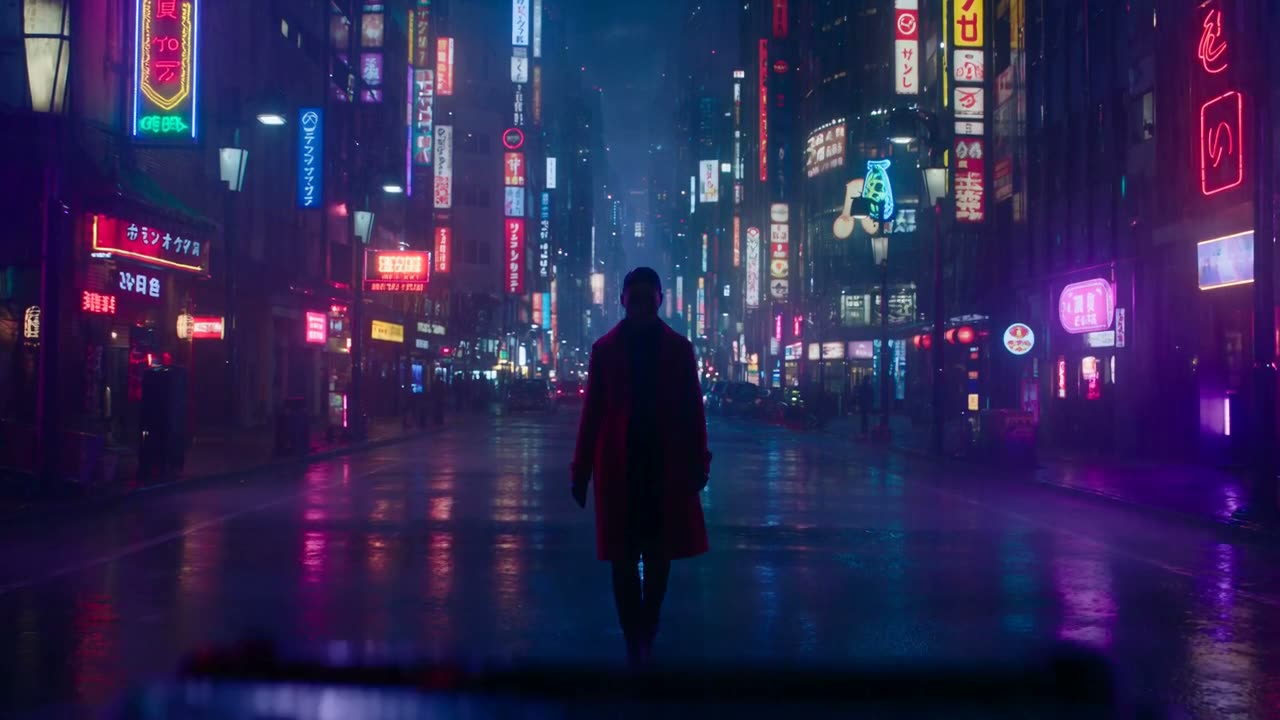
Use the model that fits the shot instead of committing the entire project to one model family.
Keep source images, prompt history, generated media, and scene decisions connected to the same project.
Develop generated footage scene by scene when a concept needs more structure than a single output.
The right tool depends on whether your priority is a broad editing environment, access to particular models, or a simpler way to organize generative work. Mosaify is aimed at creators who want a focused workspace for making AI video across multiple model families.
Instead of treating each generation as a disposable event, Mosaify keeps the prompt, references, outputs, and follow-up scenes connected. That makes it easier to return to a direction, compare alternatives, and understand how a final result was built.
Runway offers its own collection of generative and editing tools. Mosaify emphasizes model flexibility and continuity across the project. It is a useful distinction if you already know that no single model is best for every image, motion style, or shot.
Mosaify is not presented as a claim that every Runway feature has a direct replacement. The useful comparison is whether Mosaify's project-first workflow better matches the way you explore, select, and develop generated media.
A fair evaluation goes beyond one prompt. Generate a shot, create a variation, switch models, and build a second scene. The product that keeps those steps understandable is usually the better long-term fit.




No. Mosaify focuses on multi-model generative creation, connected projects, and scene direction. Compare the specific tools you use before switching.
The Mosaify model library includes Seedance, Veo, Kling, and FLUX. Open Models to compare their strengths and variants.
Yes. Mosaify is designed to keep prompts, image references, generated video, and later scene work connected.
Yes. Explore shows examples and Models explains the currently available model families.