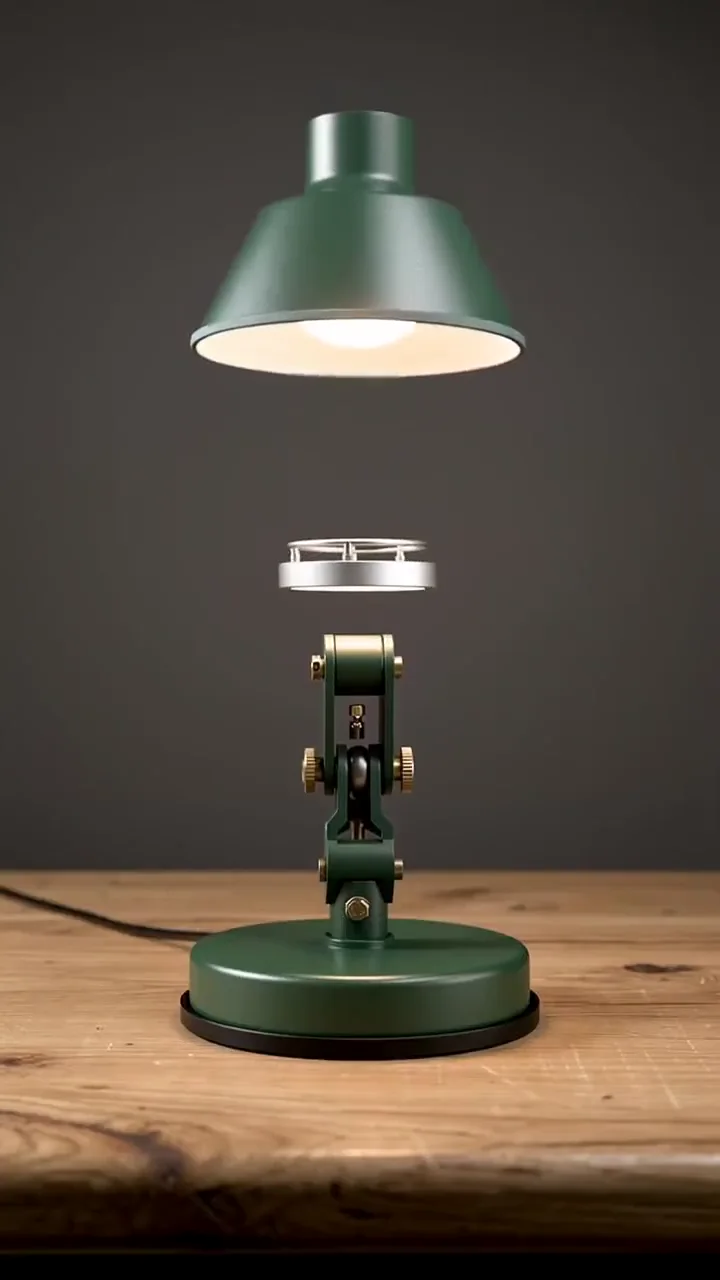
Establish the image
Use a visual reference to communicate composition, light, and the subject.
Develop an image, explore its movement, and give it a place in your film. Bring the process together in Cinema.
Use a visual reference to communicate composition, light, and the subject.
Describe how the subject and camera should move through the moment.
Review the take in a sequence with picture and sound.
Light, material, and movement turn a simple object into the focus of the frame.
A useful DaVinci AI alternative should fit the way you develop a visual idea. You might begin with a character study, an object, or an atmosphere. The next question is how that image should move and what role it plays in a film.
Mosaify Cinema brings references and shot direction into the same workspace as the edit. You can explore individual takes while keeping the sequence in mind, then arrange selected footage with sound to develop the scene.
Begin with a reference that contains something specific: a face, a material, a silhouette, or a carefully composed space. Give each product the same instruction and check which parts of the reference survive the generation.
For video, watch the full clip. Pay attention to the first frame, the change over time, and the ending. A still may look convincing while movement reveals a different result. Judge the take against its intended use in the sequence.
Try three related shots: a wide view, a closer action, and a detail. Use a consistent reference and palette, with a clear purpose for each frame. This gives you a manageable way to assess both generation and editing.
Arrange the shots, adjust their timing, and listen to how sound changes the scene. Keep the takes that support the idea. The exercise should help you decide whether the workflow suits the films you want to make.
Light, place, and perspective. A few ways to begin a visual story.
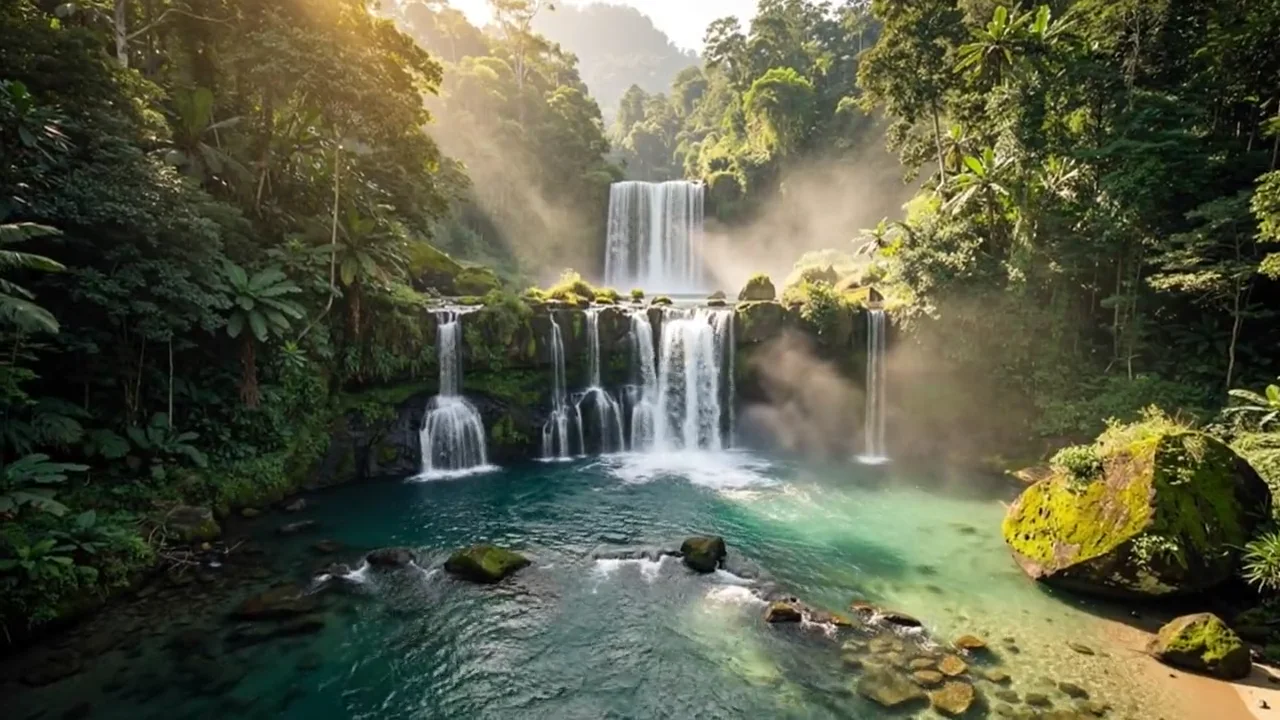
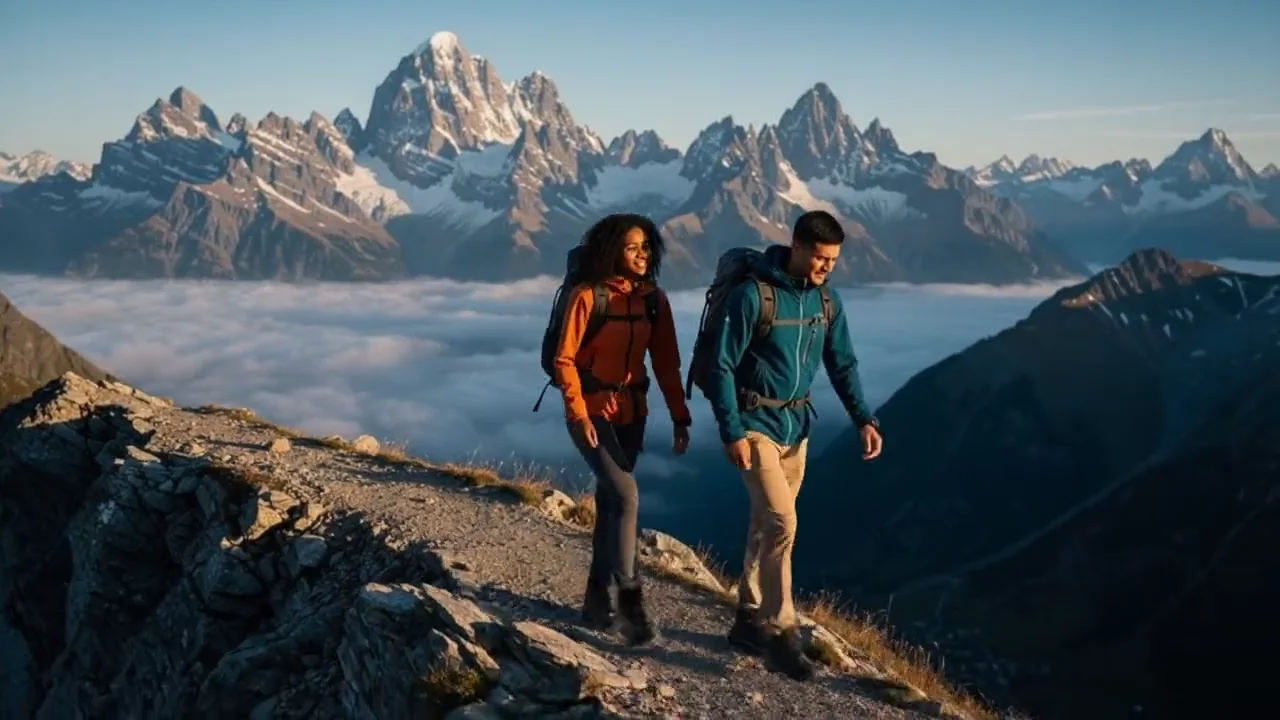
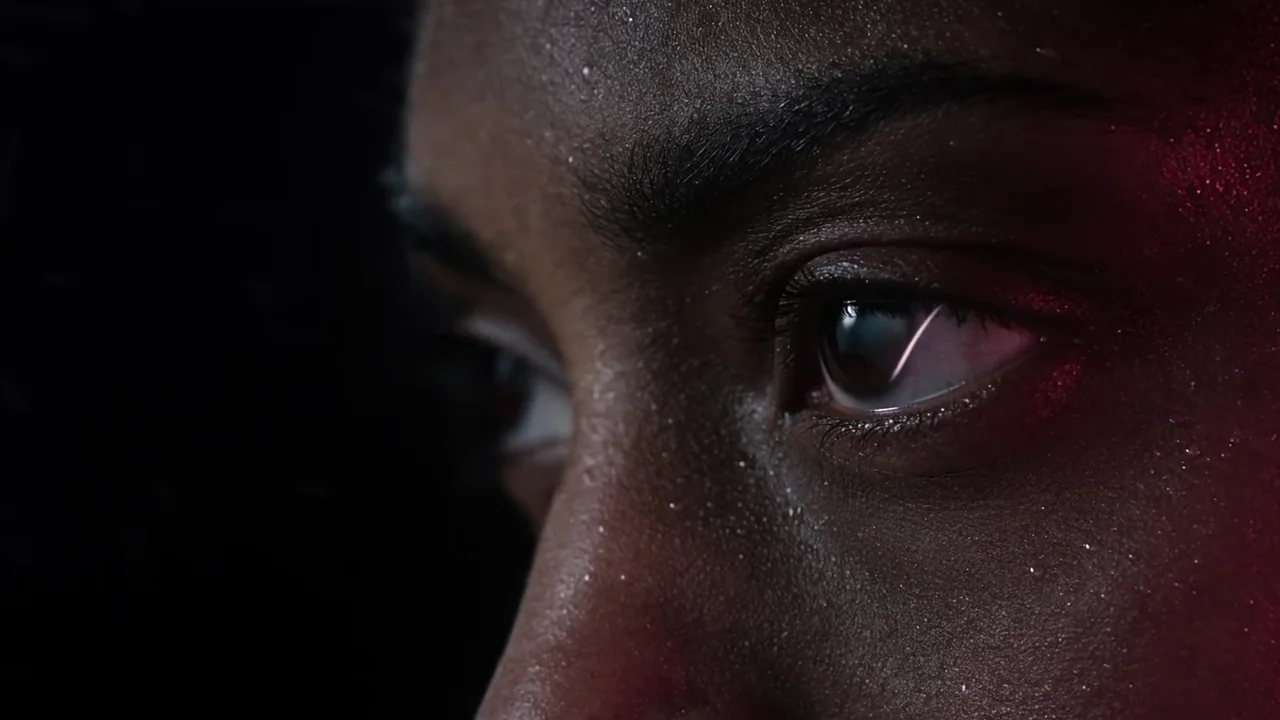

A filmmaking workspace for references, shot direction, and the cut. Bring your selected images and clips into a story you can shape.
Explore Cinema
This page refers to DaVinci AI, the generation product. Blackmagic Design’s DaVinci Resolve is a separate editing and finishing suite with its own workflow and tools.
Cinema brings visual references, shot direction, generated takes, picture, and sound into a filmmaking workspace. You can develop a scene from its source material through the edit.
Cinema can use a still as a visual starting point for video. Describe the intended movement, framing, and pace, then review how the take develops the original image.
Keep the prompt, reference, and format consistent. Compare the result and the effort needed to revise it, select a take, and use it in a sequence.
Bring a reference. Find a direction. Make the next frame yours.
Start creating