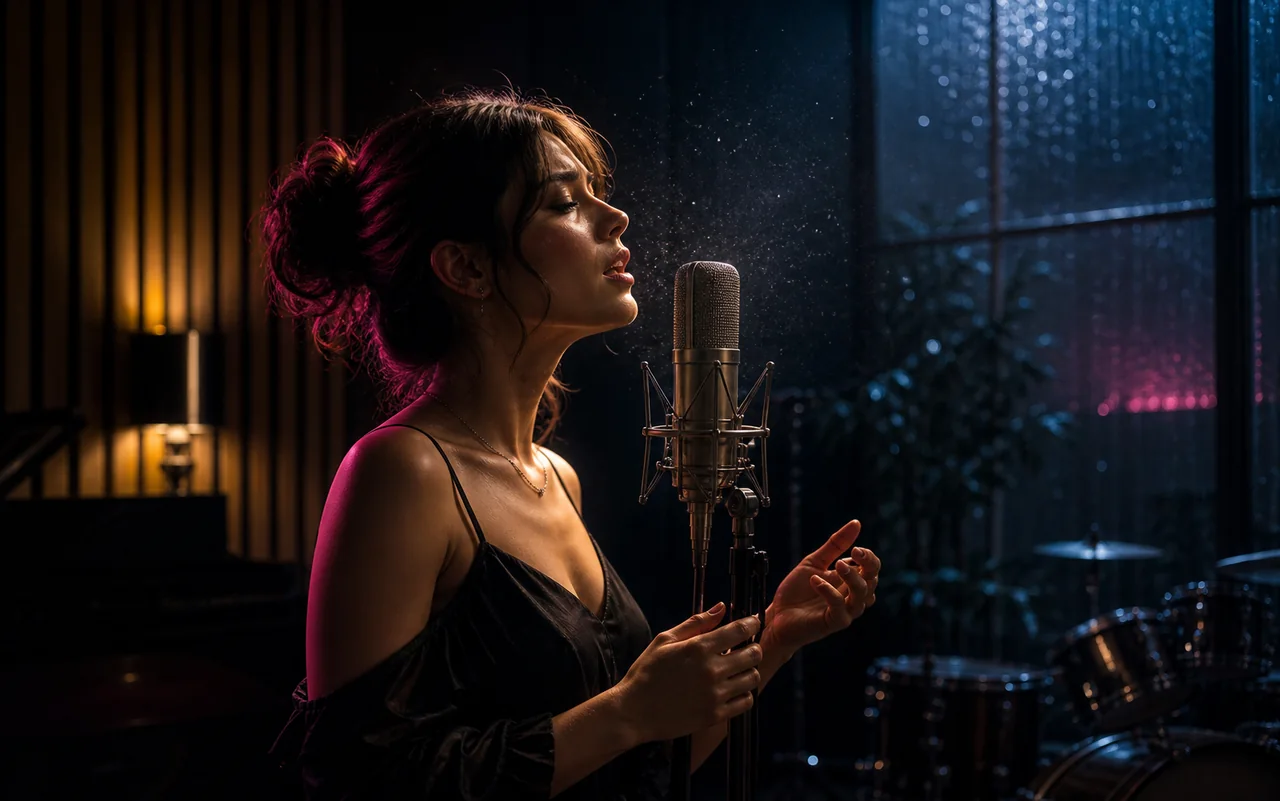
Seedance
A video-focused family for cinematic motion from prompts, stills, and creative references.
 Mosaify
Start creating
Mosaify
Start creating
Mosaify brings several leading model families into one workspace so you can choose according to motion, references, speed, audio, and visual style.

A video-focused family for cinematic motion from prompts, stills, and creative references.
A video family for high-fidelity scenes, cinematic control, dialogue, ambience, and native audio workflows.
Model families that span image and video capabilities for visual development and motion.
Model quality is specific to the shot. A model that performs well on slow cinematic camera movement may not be the best choice for dialogue, a complex physical action, stylized animation, or strict adherence to a reference image.
Choose using a representative test. Keep the prompt, input image, duration, and aspect ratio constant, then compare motion quality, subject stability, camera control, prompt adherence, generation time, and usable output rate.
Text-to-video is useful when the scene can be described clearly and you want the model to invent the composition. Image-to-video is better when the subject, framing, or visual identity already exists. Models also differ in how strongly they preserve the source frame once motion begins.
For a longer sequence, consistency matters alongside the quality of one clip. Preserve prompts and references, use the same visual constraints across shots, and test recurring subjects before generating every scene.
Variants, limits, and provider capabilities can change. Open the individual model page before starting important work to compare the current family details.




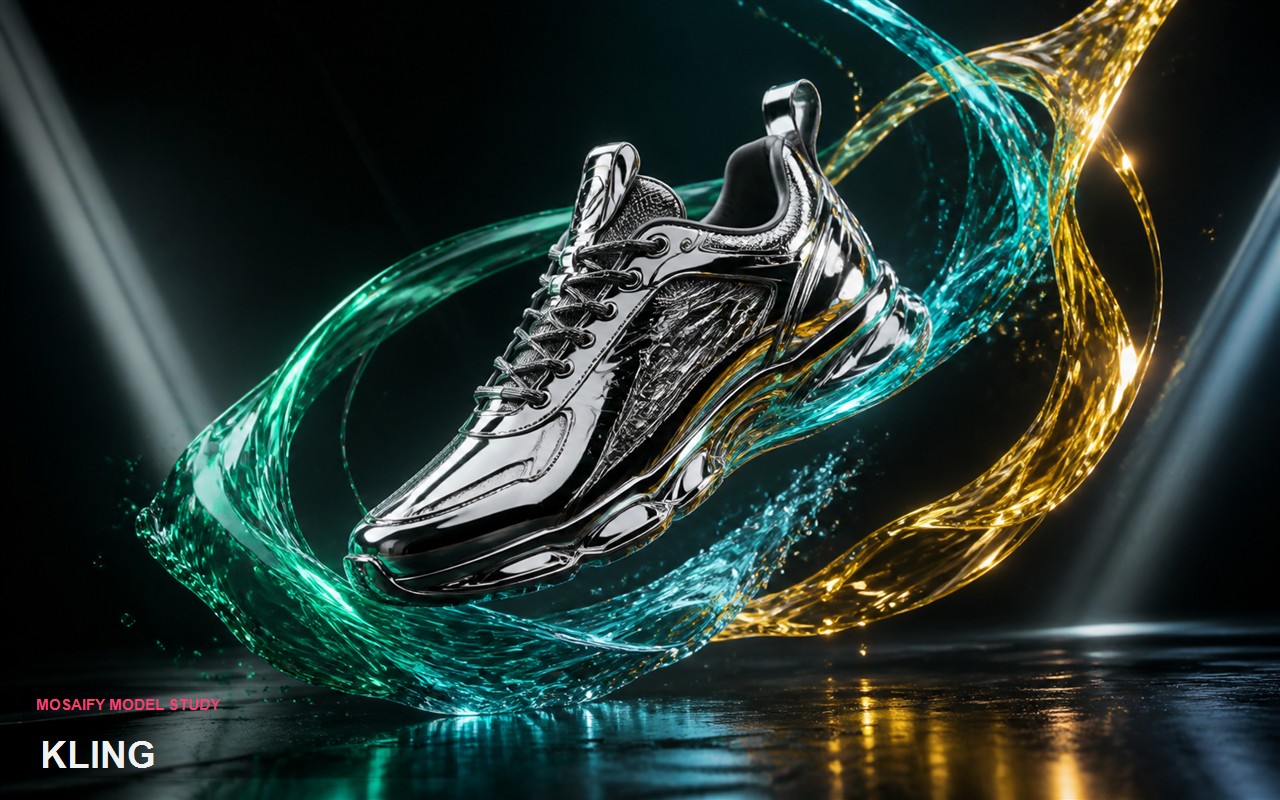
The Mosaify model library includes Seedance, Veo, Kling, and FLUX. Open Models to compare their strengths and variants.
The answer depends on the source image and desired motion. Test the same image with a representative prompt and compare reference stability and movement.
Veo is presented in Mosaify with native audio capabilities. Check its model page for the currently integrated variants and controls.
Yes. Mosaify keeps the project context connected while you compare supported models and select the right one for each shot.