Text to video
Describe the subject, action, camera, setting, and mood, then generate a first motion direction.
 Mosaify
Start creating
Mosaify
Start creating
Mosaify turns prompts and visual references into video across leading models, while keeping every source, result, and scene connected inside one project.
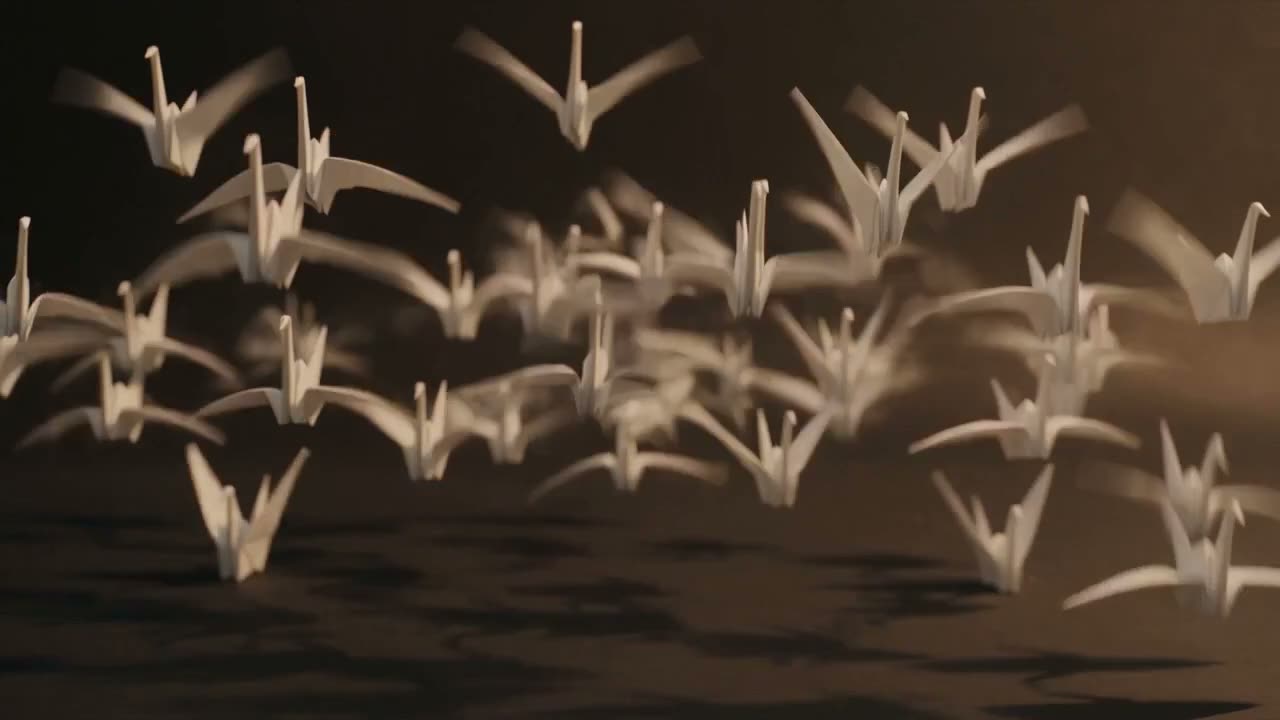
Describe the subject, action, camera, setting, and mood, then generate a first motion direction.
Use a still image as the visual anchor for movement, framing, and subject consistency.
Try supported model families and keep the outputs together so the strongest direction is easy to find.
Text-to-video models translate a written description into moving images. Image-to-video models begin with a still frame and infer how the subject, camera, and environment might move. The quality of the result depends on the model, the source material, and how clearly the desired motion is described.
Mosaify provides a shared workspace around those models. A prompt, reference image, generated clip, and later variation remain part of the same project, which makes experimentation easier to follow.
A useful video prompt separates what is in the shot from what changes over time. Name the subject and setting, then describe the action, camera movement, pace, lighting, and atmosphere. Avoid stacking conflicting movements into one short clip.
When visual identity matters, begin with an image reference. A strong starting frame can communicate composition, color, wardrobe, materials, and subject appearance more precisely than text alone.
Different model families can respond differently to camera direction, dialogue, physical motion, stylization, and image references. Mosaify brings Seedance, Veo, Kling, and FLUX into one model library for side-by-side creative work.
A practical workflow is to test a short representative shot first. Once the visual language works, carry the selected result and its references into the rest of the sequence.
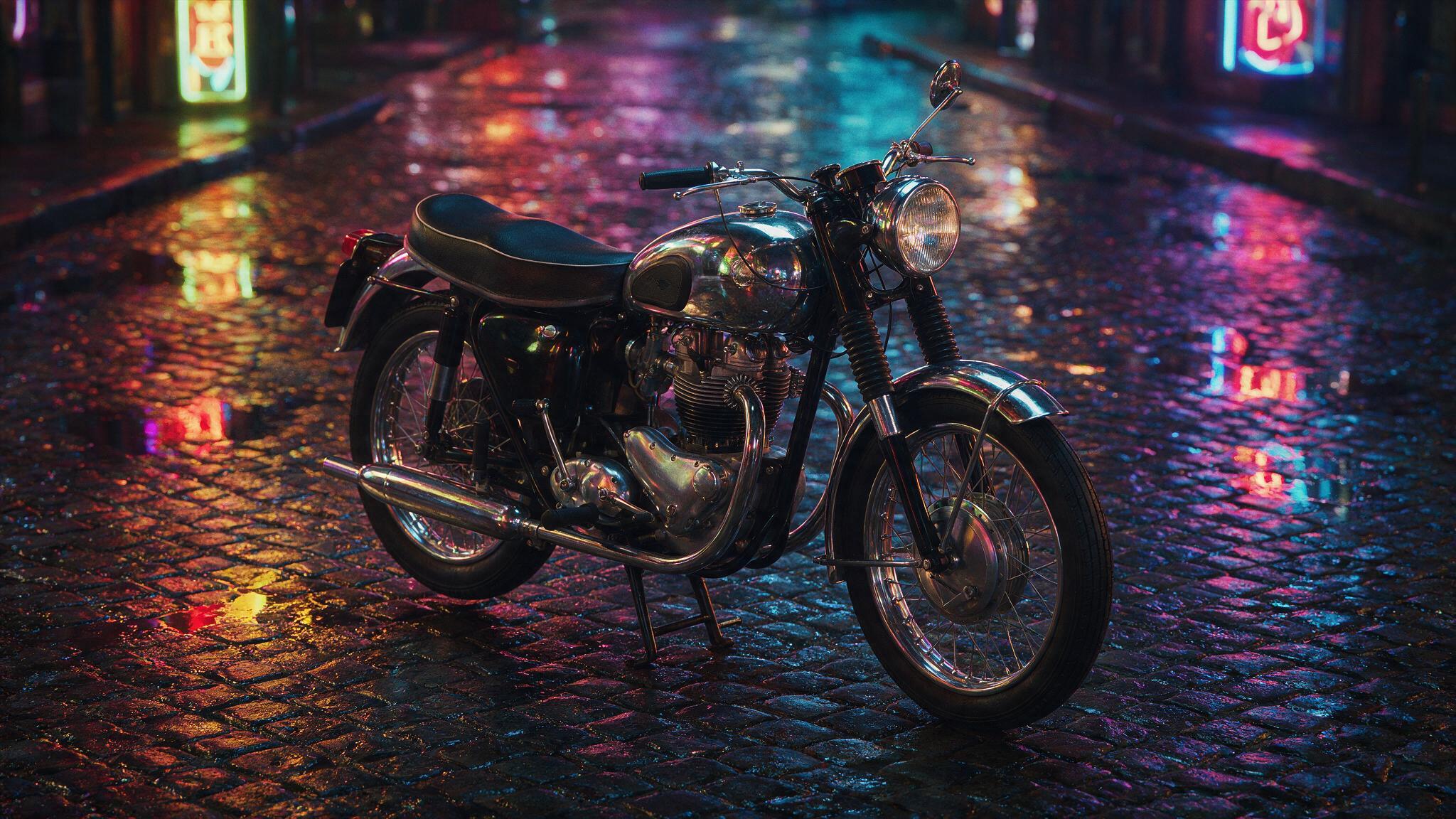
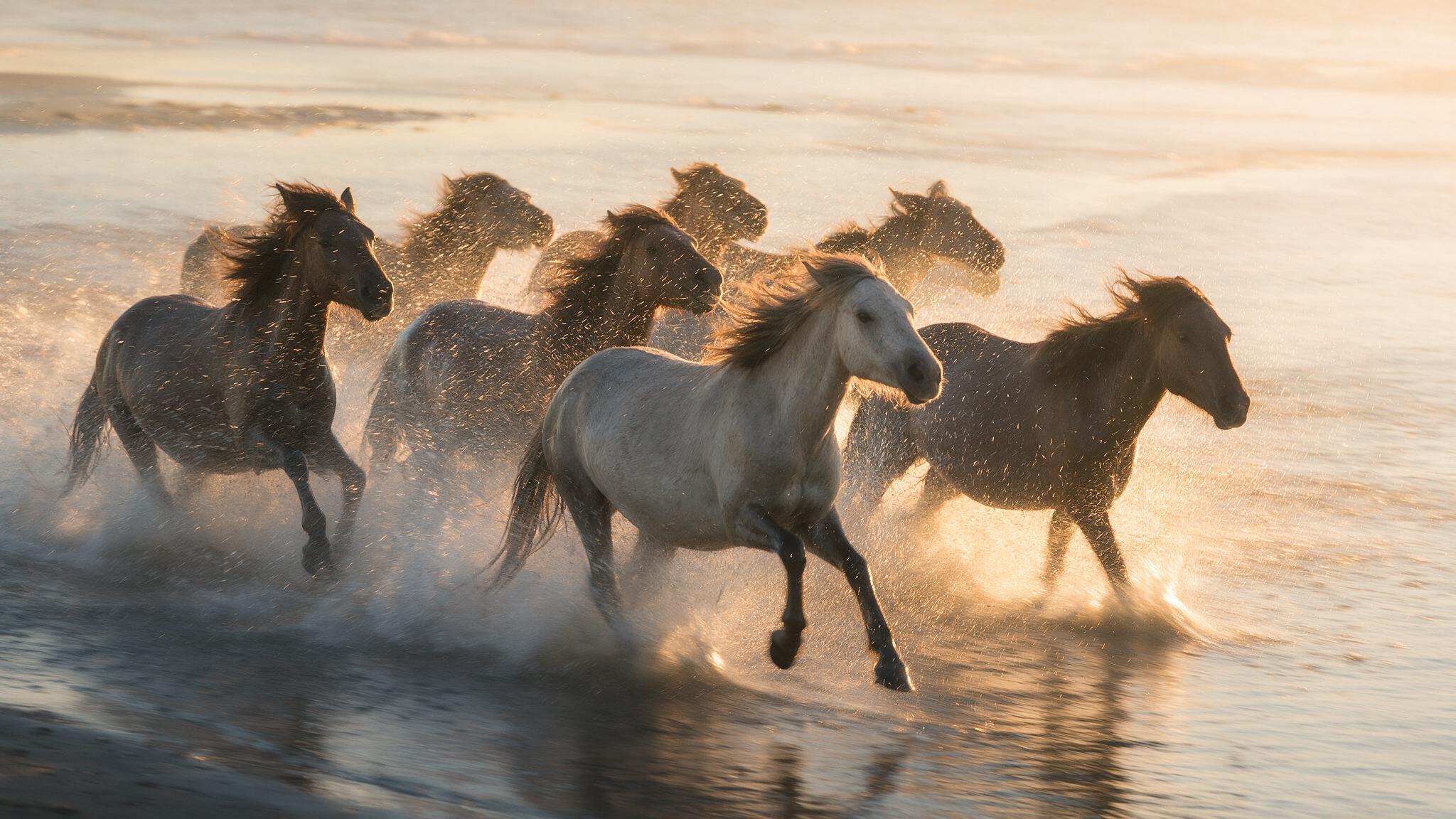
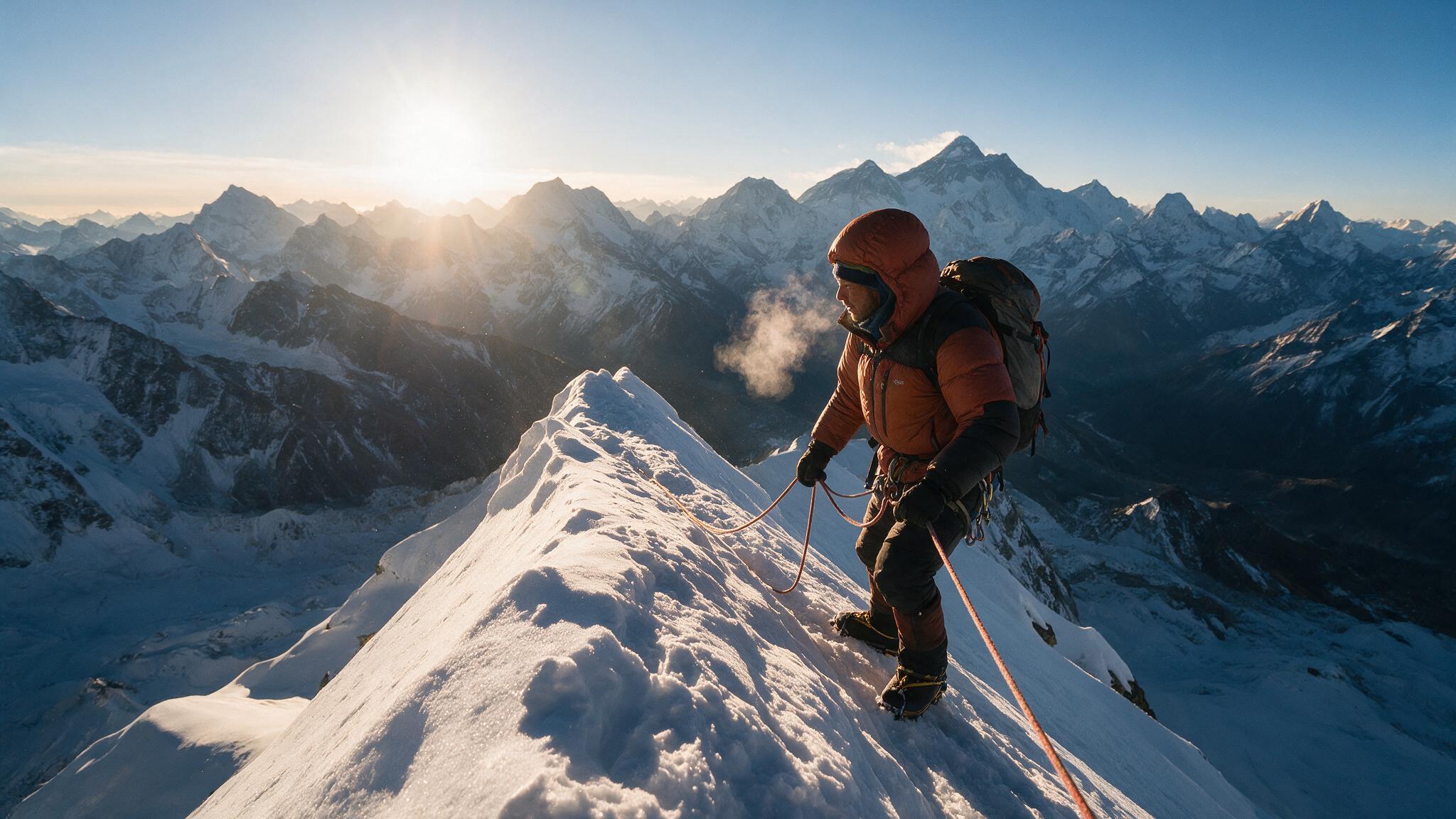
Yes. Start with a written prompt that describes the subject, action, camera, setting, and desired visual character.
Yes. Supported image-to-video workflows use a still image as the starting frame and generate motion from it.
The best choice depends on the shot. Compare current models for prompt adherence, camera control, motion, audio needs, speed, and reference handling.
Yes. Mosaify Studio is designed to develop generated media into a sequence with explicit scenes.