Prompt to image
Describe the subject, composition, materials, lighting, and mood in natural language.
 Mosaify
Start creating
Mosaify
Start creating
Mosaify combines leading image models with a connected workspace for prompts, visual references, iterations, and the video work that can come next.

Describe the subject, composition, materials, lighting, and mood in natural language.
Use existing visuals to communicate identity, shape, color, or art direction more precisely.
Keep a generated image available when it becomes the reference or first frame for motion.
Modern image models can create new scenes, follow detailed instructions, render text with varying reliability, and transform visual references. They are useful for exploration, concept development, illustration, visual storytelling, and creating source frames for video.
Mosaify gives those generations project context. Instead of downloading every result and reconstructing the reasoning later, you can keep the prompt, references, chosen outputs, and subsequent motion work connected.
Describe what a viewer should be able to see. Specify the subject, environment, composition, perspective, lighting, palette, materials, and level of realism. If the image needs words, quote the exact text and keep the layout instruction simple.
Use a visual reference when a name or adjective would be ambiguous. References are especially useful for recurring characters, object proportions, surface details, and a consistent visual language across several images.
GPT Image, FLUX, Nano Banana, and Seedream each have different strengths, variants, and response patterns. Compare them using the same core prompt, then refine the strongest result instead of changing every variable at once.
If the final goal is motion, consider the frame as part of a sequence. Leave visual space for movement, choose a usable aspect ratio, and preserve the image as a reference for the video model.

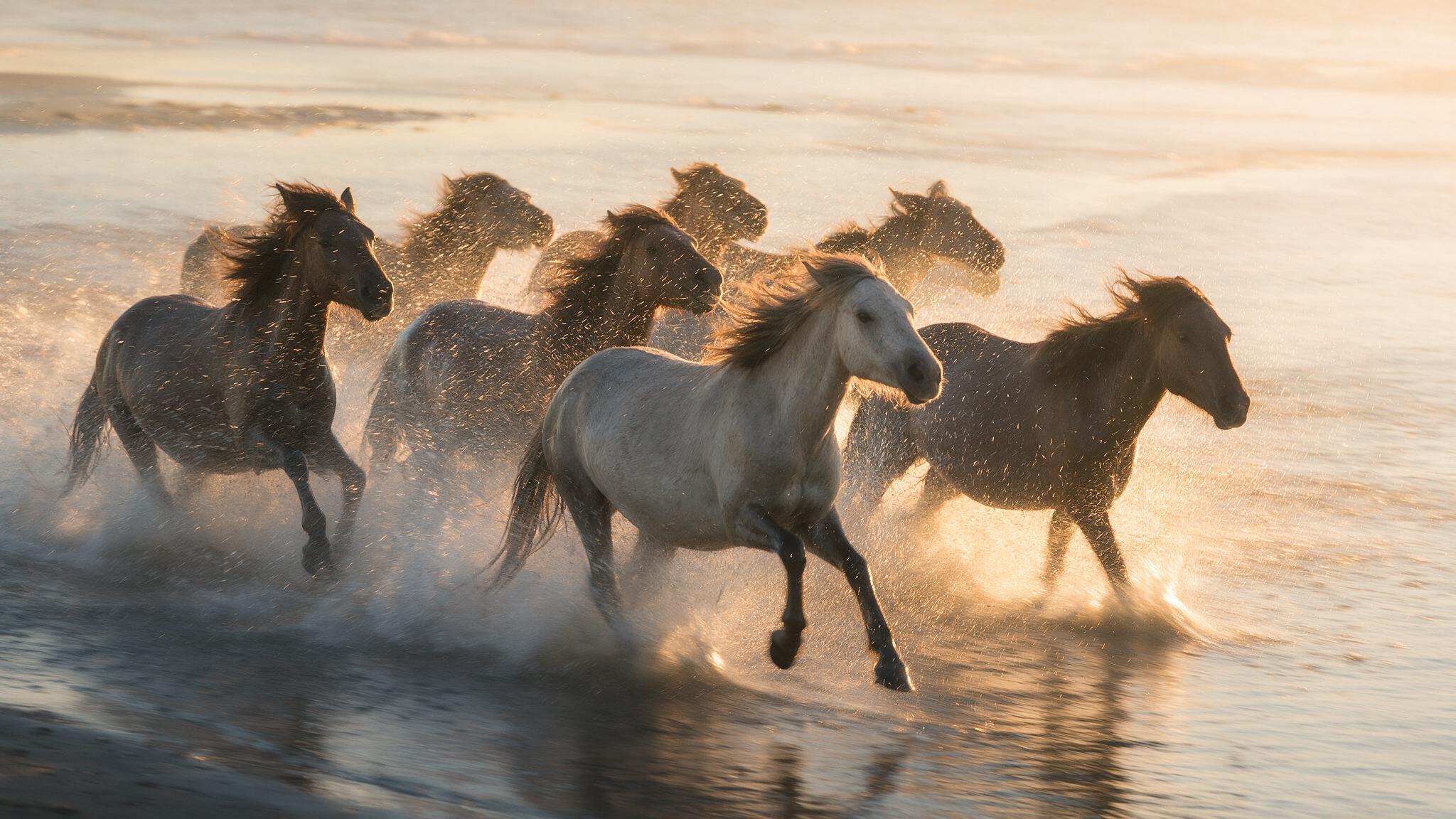
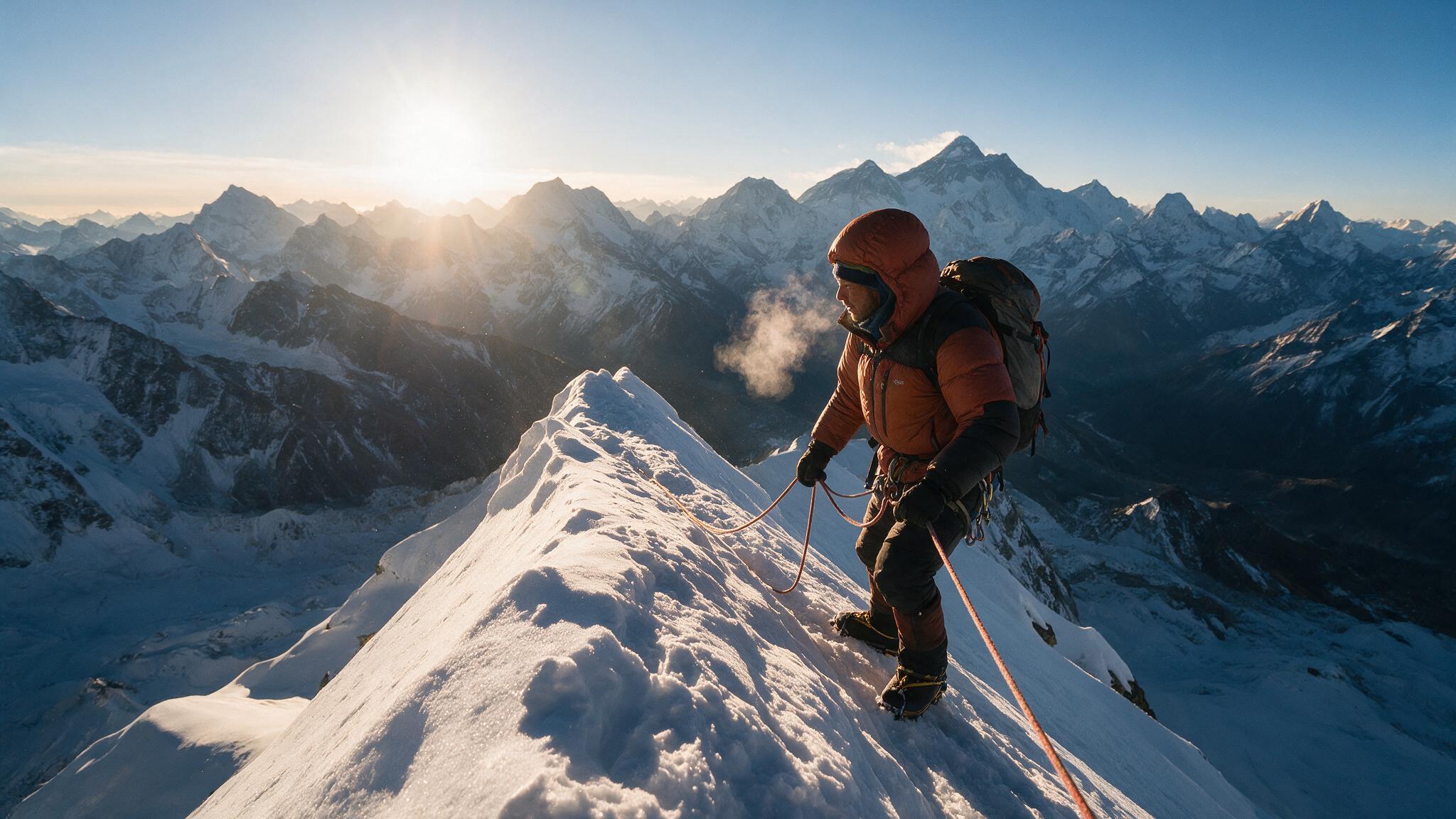
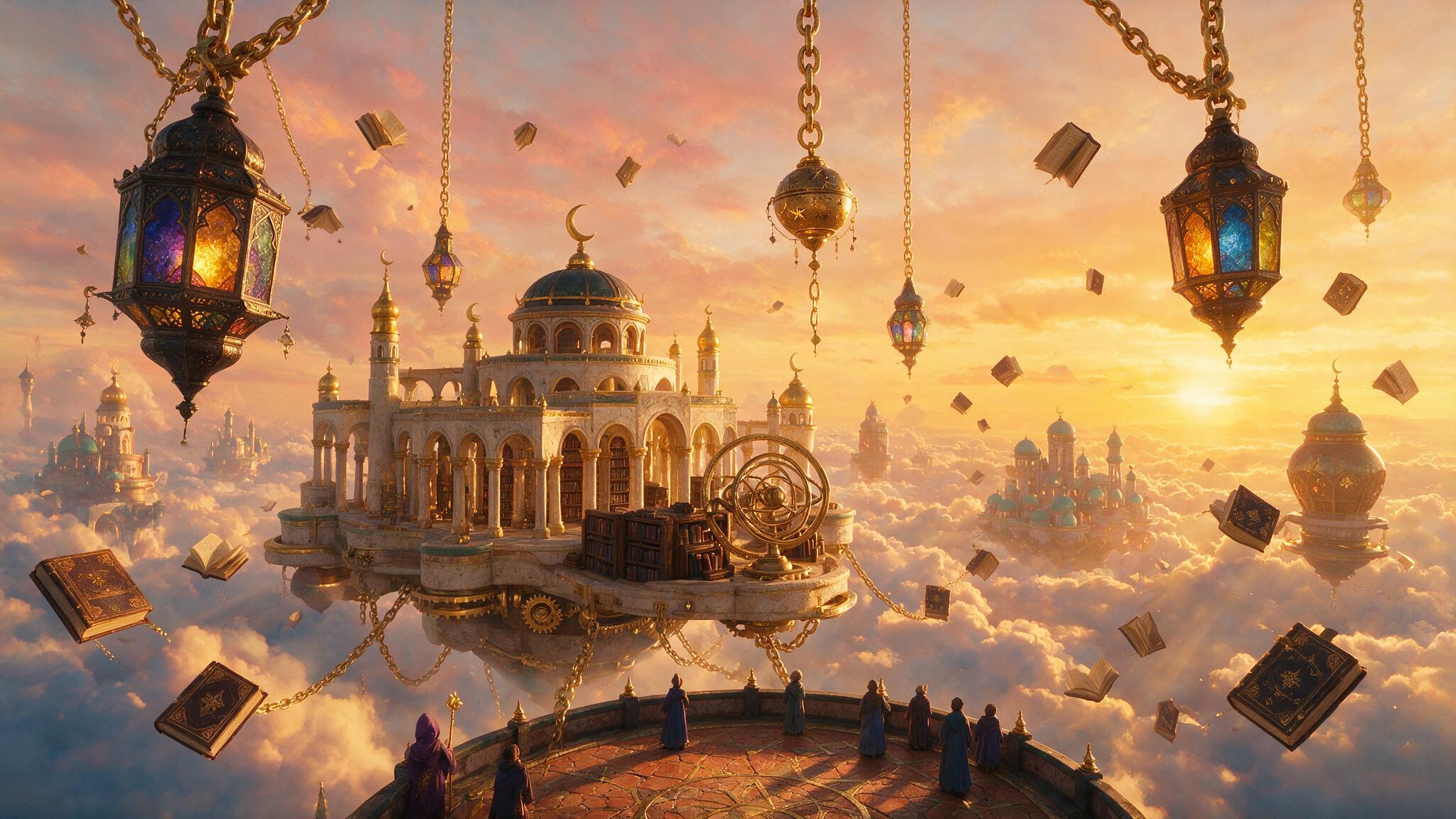
The Mosaify model library includes GPT Image, FLUX, Nano Banana, and Seedream. Open Models to compare their strengths and variants.
Yes. A reference can help communicate subject identity, composition, materials, color, and overall visual direction.
Yes. Keep the selected image in the project and use it as a visual starting point for a supported image-to-video workflow.
Keep the prompt and reference constant for the first test, then compare instruction following, detail, style, and iteration speed.